Organize income, expenses, budgets, cards and debts in one place. Your financial records stay on your device; no bank connection or Tavemir account is required.
Real application screens · Fictional sample records01 / 02
01
Income and expenses
Record transactions with an account, date, category and currency, then review totals for the period.
02
Smart Entry
Prepare drafts from a note or a receipt image you choose. Review the amount and other fields, then confirm what to save. Text input is free; the image allowance is explained in the Free section.
03
Budgets and cash flow
Set monthly category budgets and compare recorded spending with your limits. Currencies are kept separate.
04
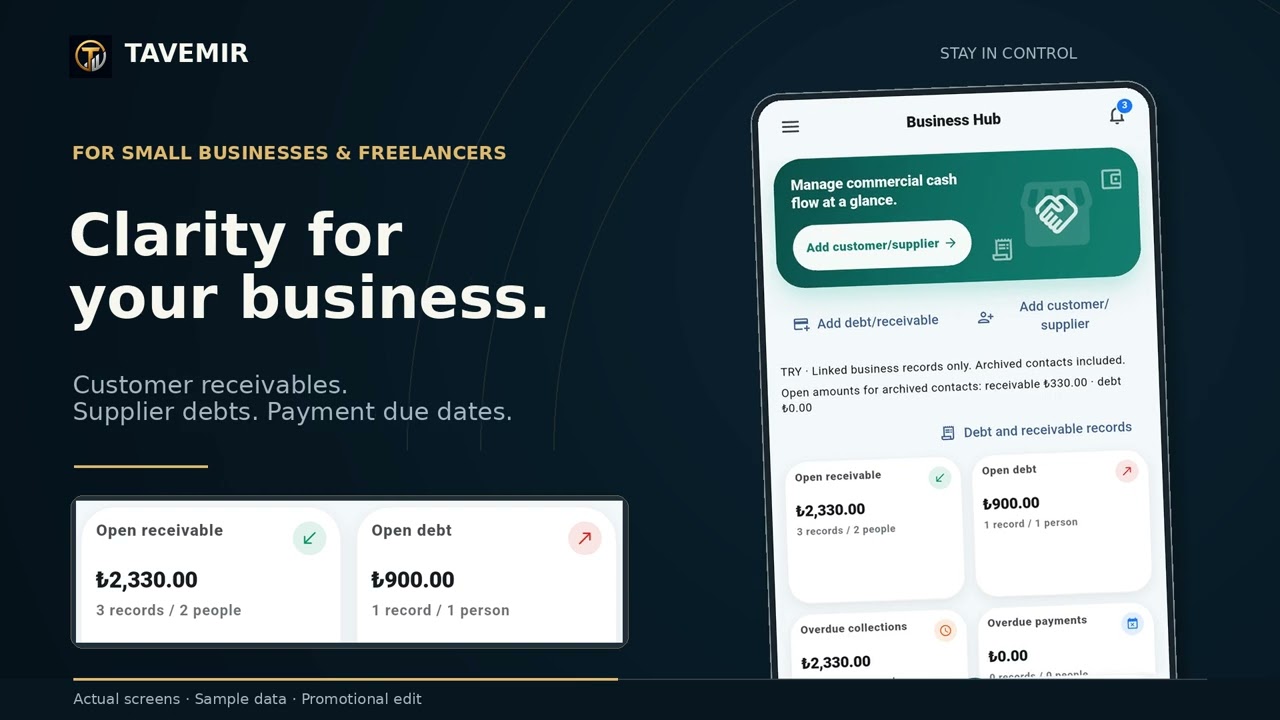
Cards, debts and receivables
Organize statements, installments, debts and receivables. Tavemir does not connect to your bank or make payments.
05
Payment reminders
Create one-time and recurring reminders. Notification permission and device battery settings can affect delivery.
06
Reports and backups
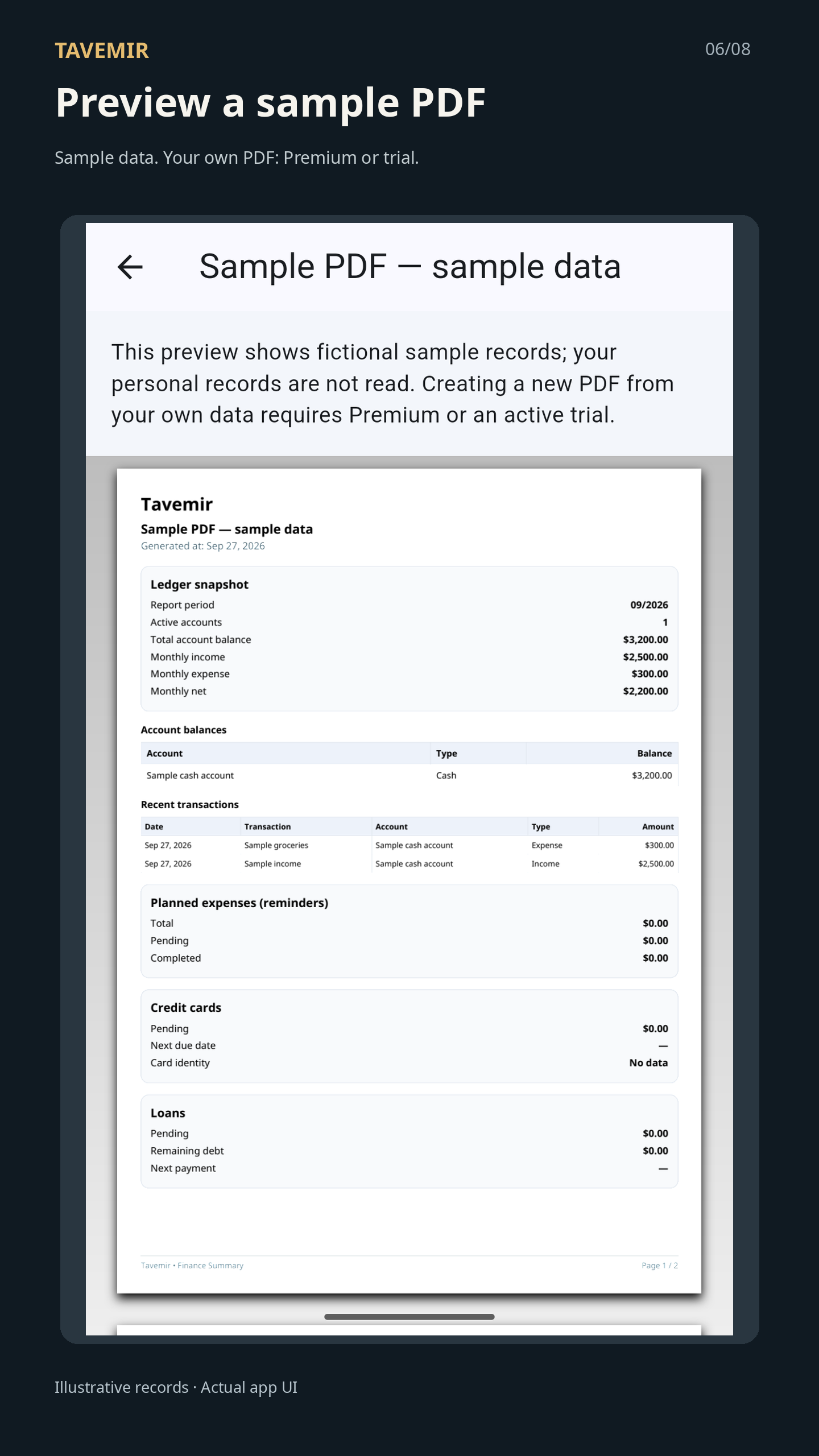
Review core summaries and save CSV exports or JSON backups. Premium adds PDF reports made from your own records.
GETTING STARTED
Record, review, keep track.
Choose an account and currency
Create or select the account for your transaction. Keep records in different currencies separate.
Enter a record or prepare a draft
Add income or expenses manually. In Smart Entry, type a note, use “Photograph a receipt” or “Choose image”. Select the receipt area, then tap “Read selected area”.
Review and save
Check the amount, date, currency, account, category and merchant against the source. Correct missing or uncertain details, then save only the drafts you select.
Image reading produces suggestions; it does not add financial records automatically. Accuracy is not guaranteed for handwriting or multi-row bank statements.
Keep a copy of your records
Open Profile > Backup Center to save a JSON backup to a file. A confirmed restore replaces existing records within its stated scope; it does not merge them. Purchase rights are not transferred by a financial backup.
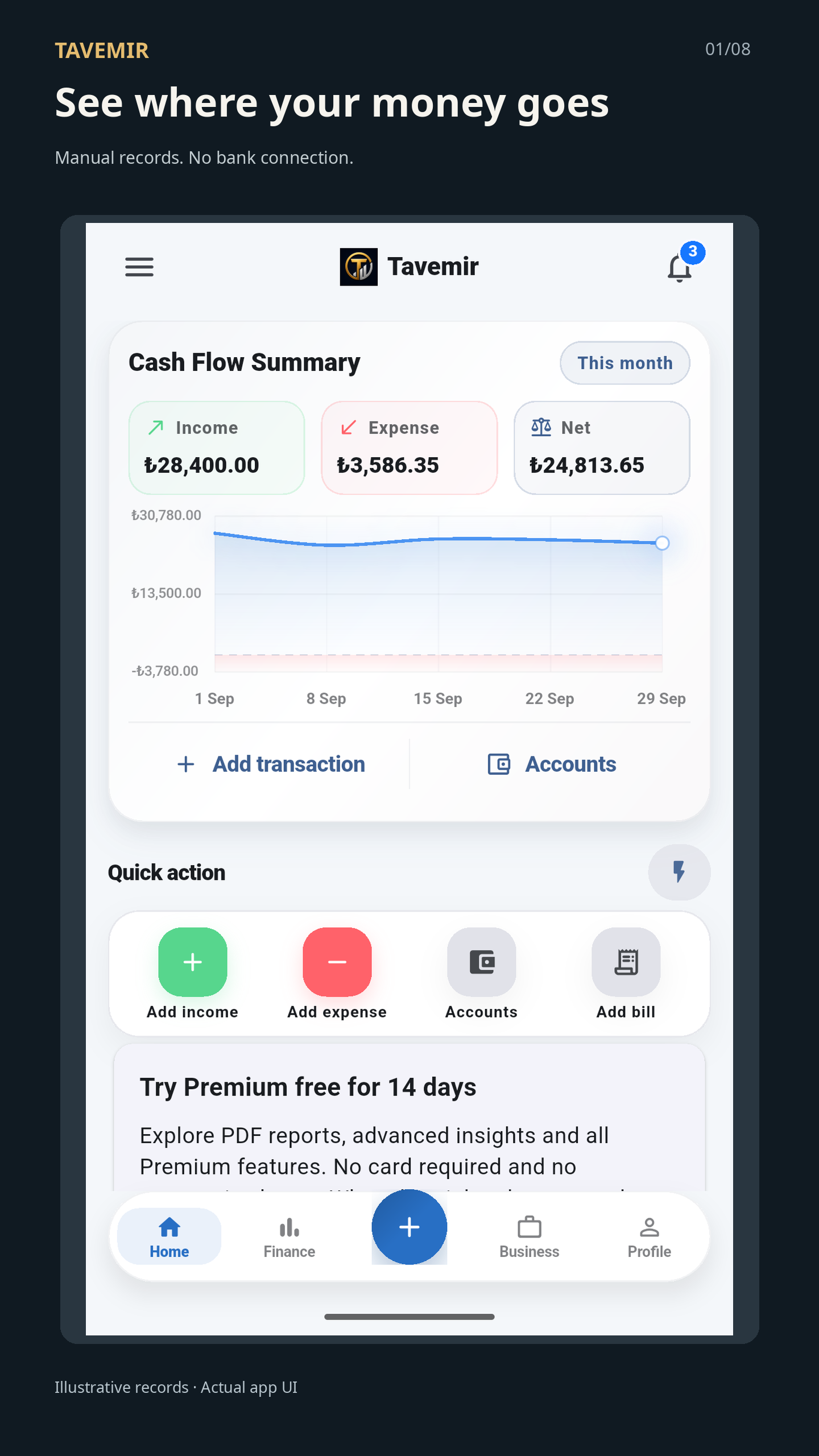
Explore the real app screens, from cash flow to reports.
Your cash flow at a glanceView full size ↗The report viewView full size ↗
Real application screens · Fictional sample records. Plan and trial wording in the screenshots does not confirm current commercial terms.
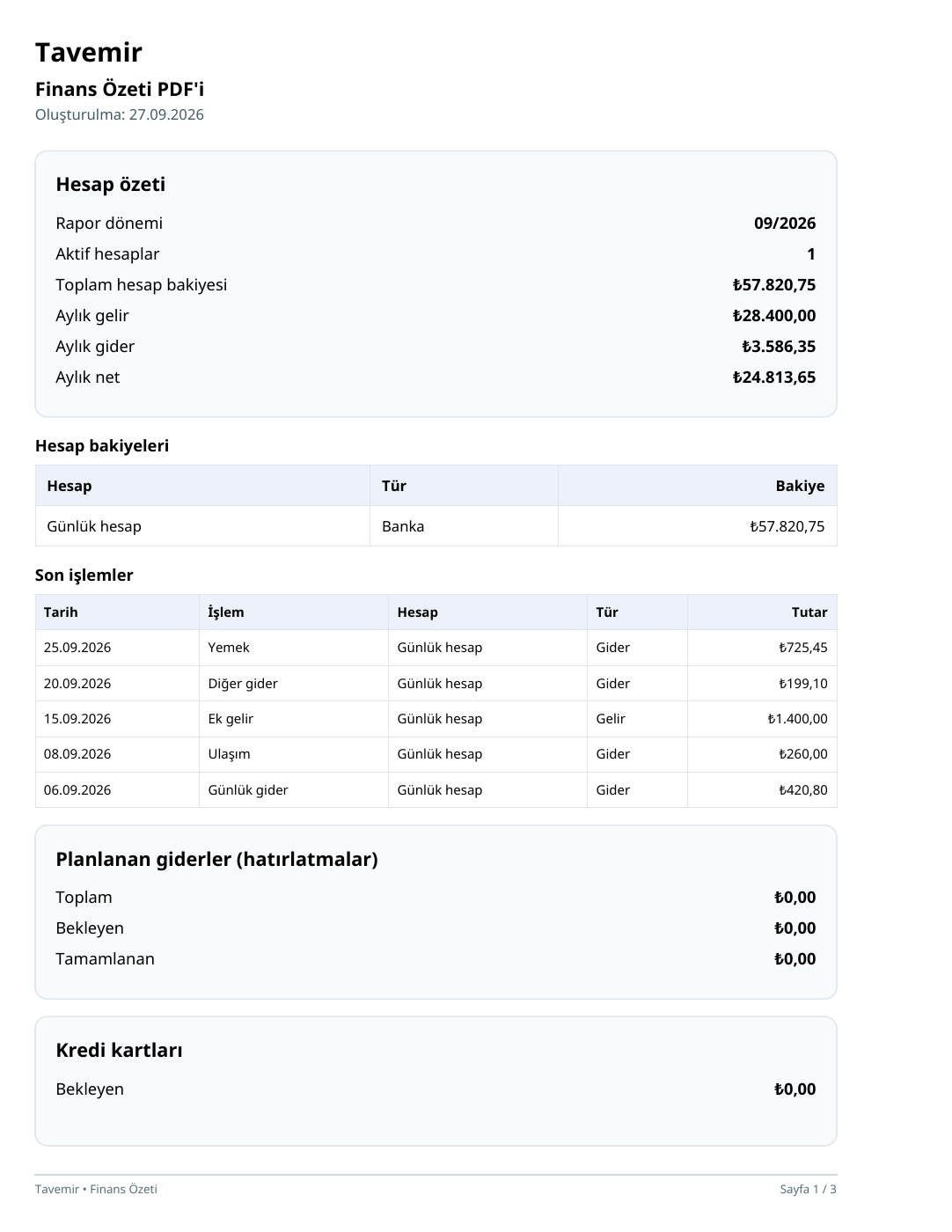
SAMPLE PDF · TURKISH · 3 PAGES
From records to reports.
Explore a Turkish trial-period report made with fictional data. This copy was saved through Android’s print function and differs from the Free sample report shown in the gallery.
Example data, not the records of a real person or business.
FREE AND PREMIUM
Keep your everyday records within reach.
Free
Add income and expenses, view your full history, edit records, review core summaries and export CSV or JSON backups. Smart Entry text input is free. Both plans are ad-free.
10 saved image documents per UTC calendar month; this allowance is counted by documents, not rows. Failed and canceled actions do not use the allowance.
2 category budgets per month and currency
1 active card
2 active loans and unpaid debts combined
5 active recurring reminders; card/loan and one-time reminders are excluded from this count
Premium
Removes these capacity limits and adds advanced record analytics, spending scenarios using percentages you choose, PDF reports from your own records and exclusive app icons.
The optional 14-day Premium trial lasts 336 hours. No payment card is needed and it does not turn into a paid subscription automatically.
Monthly and yearly subscriptions renew until canceled in Google Play. Lifetime is a one-time product tied to the purchasing Google account. Current prices are shown by Google Play inside the app.
Your existing financial records are not deleted or hidden when the trial or Premium ends.
For usage, backup, reminder or purchase issues, follow the steps on the support page. If needed, email your app version, device model and the steps that led to the problem.
Do not send PINs, payment details or an unredacted financial backup.
Financial records are stored on your device; you choose when to export or share files. Google Play handles purchases and ownership; Billing and image-reading components may process separate technical diagnostics. A PIN protects app access; it does not encrypt exported files.